
Welcome to what might be the most honest walking simulator ever made. This Baby Steps beginner guide is your crash course in turning Nate’s clumsy stumbles into confident strides. We’ll cover everything from the core controls and the all important “anchor foot” technique to mastering your camera and learning why falling over is actually a good thing. By the end, you’ll understand that this isn’t about winning, but about embracing the hilarious journey of learning to walk all over again.
| Key Concept | The Gist |
|---|---|
| Manual Control | You control each leg separately. No auto walking here. |
| The Anchor Foot | Plant one foot firmly before lifting the other. This is your key to stability. |
| Your Camera is a Tool | Use the top down view for tricky spots. It’s a game changer. |
| “Kind Failure” | Falling isn’t a punishment. You don’t die, and it often reveals new paths. |
What is in our Baby Steps Beginner Guide
Getting Your Legs Under You
First things first: forget everything you know about movement in other games. In Baby Steps, you’re in direct control of Nate’s legs. The left and right triggers lift the corresponding leg, while the left analog stick aims your step.

The most important rule? Failure is part of the fun. The game’s design philosophy is called “kind failure.” This means Nate doesn’t die from falling. A tumble might send you down a bit, but it often just puts you on an alternate route. So laugh it off; you’re supposed to fall. A lot.
From Wobbling to Walking
Trying to walk smoothly from the get-go is the fastest way to get frustrated. Instead, you need to master the single most important technique in the game: the Anchor Foot.
After you take a step, wait for Nate’s foot to be planted firmly on the ground. That foot is now your anchor. It gives you a stable base to pause, look around, and plan your next move without losing your balance. Think of it as a turn based walking game at first: plant, lift, aim, repeat.
Just as crucial is your camera. The default third-person view is nice, but it often hides your feet. For any narrow beam, tricky ledge, or slippery rock, immediately switch to the top-down camera angle. This gives you a clear view of where your feet are, drastically cutting down on those “oops, I missed” falls.
Conquering the Mountain
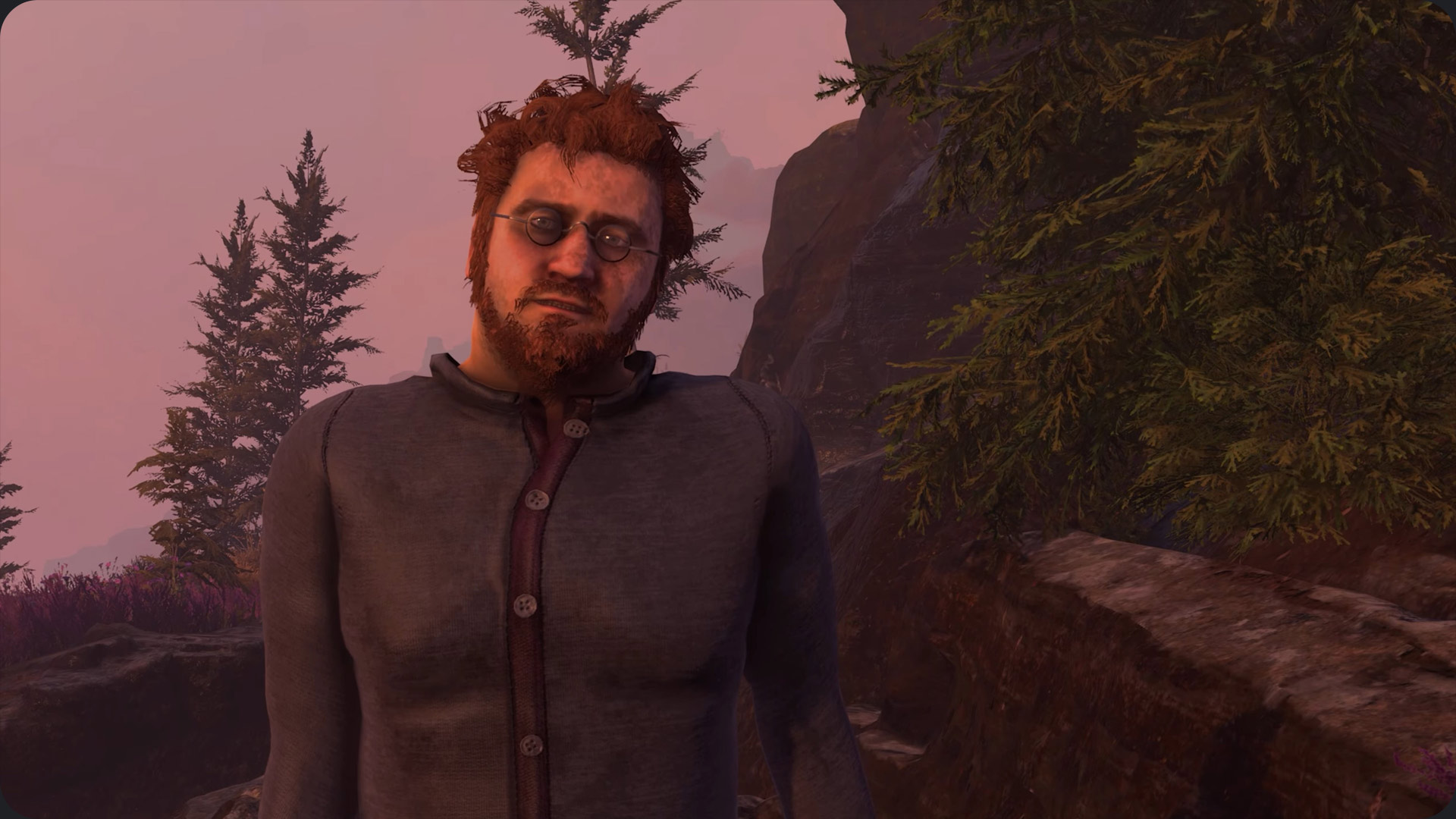
The world of Baby Steps is your enemy and your playground. Different surfaces change everything. Mud and wet rocks reduce friction, while sand shifts under your feet. Each requires you to slow down and focus even more on that anchor foot technique.
You’ll also notice the game doesn’t give you a map or a compass. Your main guide is the campfires you can spot in the distance. The game trusts you to find your own way. It doesn’t give you a map because, let’s be real, Nate would probably trip on it anyway. Use landmarks to keep your bearings and don’t be afraid to wander.
The Rewards of Getting Lost
Speaking of wandering, some of the best learning experiences are off the main path. See a scary looking optional climb? Go for it. These side challenges are the game’s way of teaching you advanced skills without a boring tutorial.
If you’re stuck on a mandatory section, it’s often because you skipped an optional area that was meant to train you for it. Exploring also rewards you with collectibles like hats, which unlock fun retro style dream sequences when you rest at a camp. These add a cool layer to the story and your journey.
Thanks for keeping up with Game.dazepuzzle